





Basic
For solo creators making short AI videos
$117.60 billed annually
Get Started9,600 Credits
- Commercial Use License
- Priority Queue
- No Watermark
- 4K Quality
- Private Generations
- Copy Protection
- More Free AI Tools
- Pomelli AI
- Video Watermark Removal
A Clearer Way to Picture Your Brand
Create product concepts and social visuals with Pomelli AI, from a prompt or reference photo.
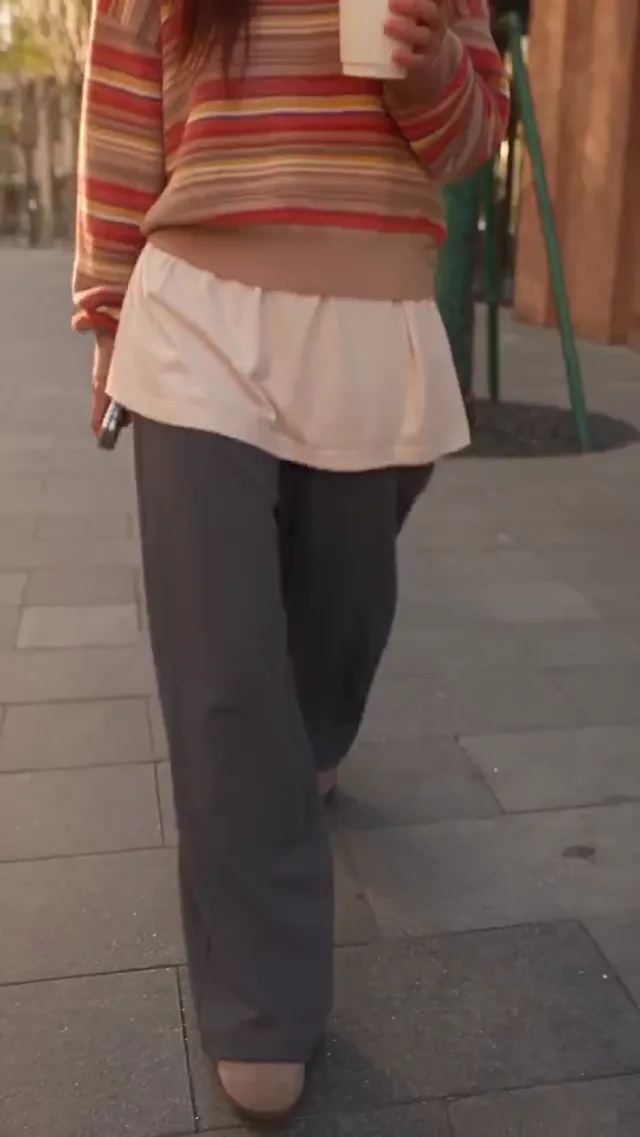
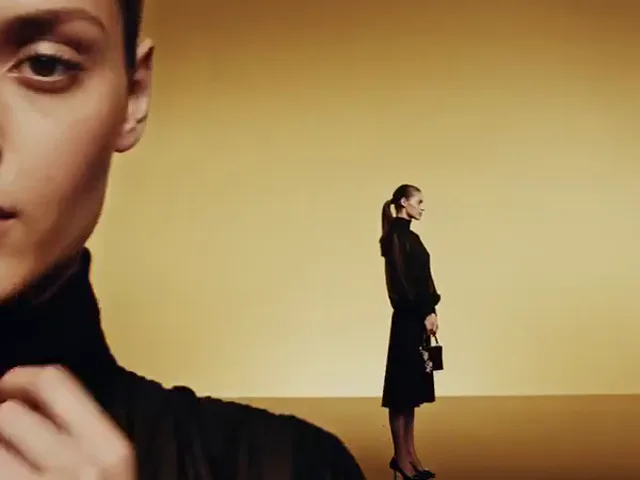
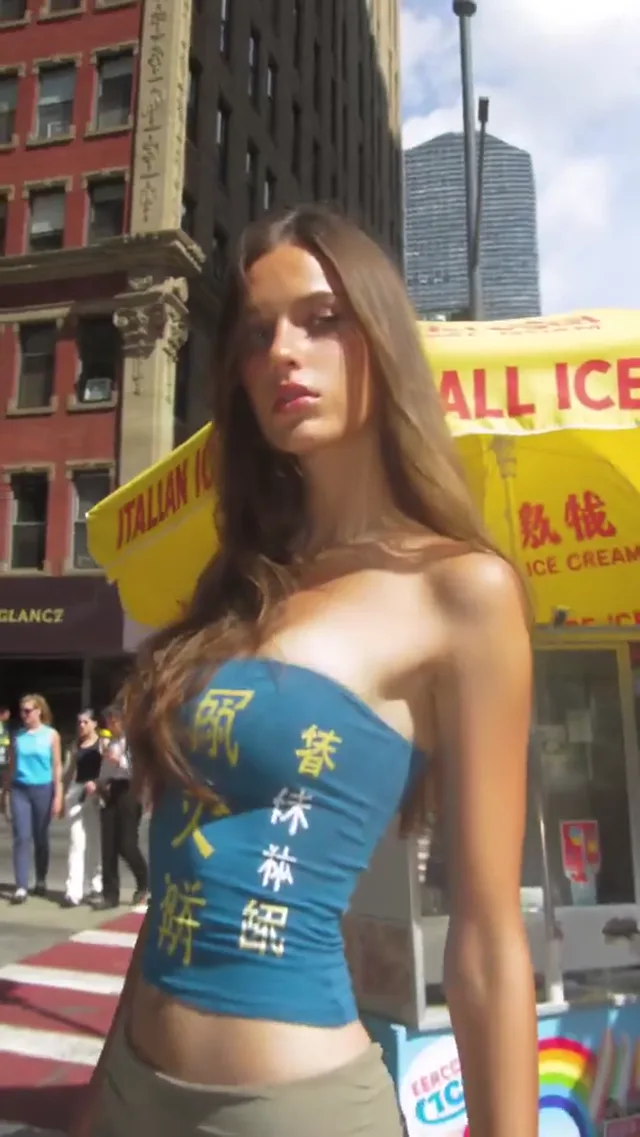
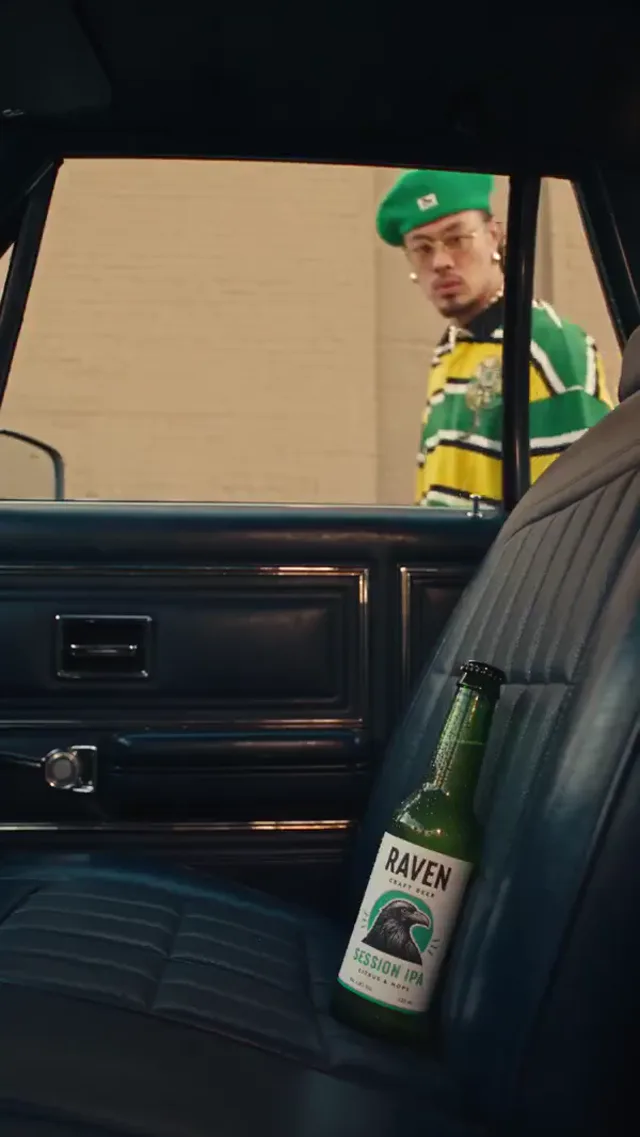
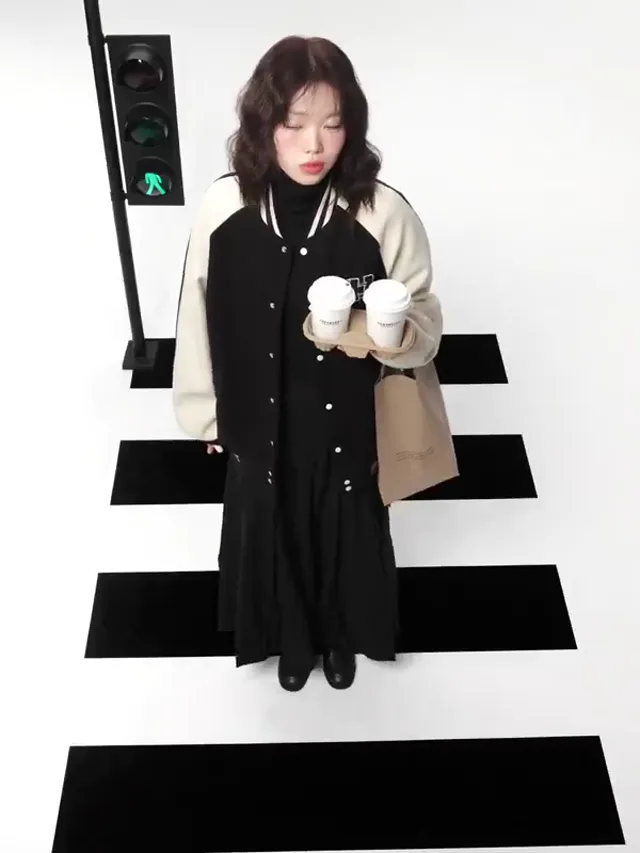
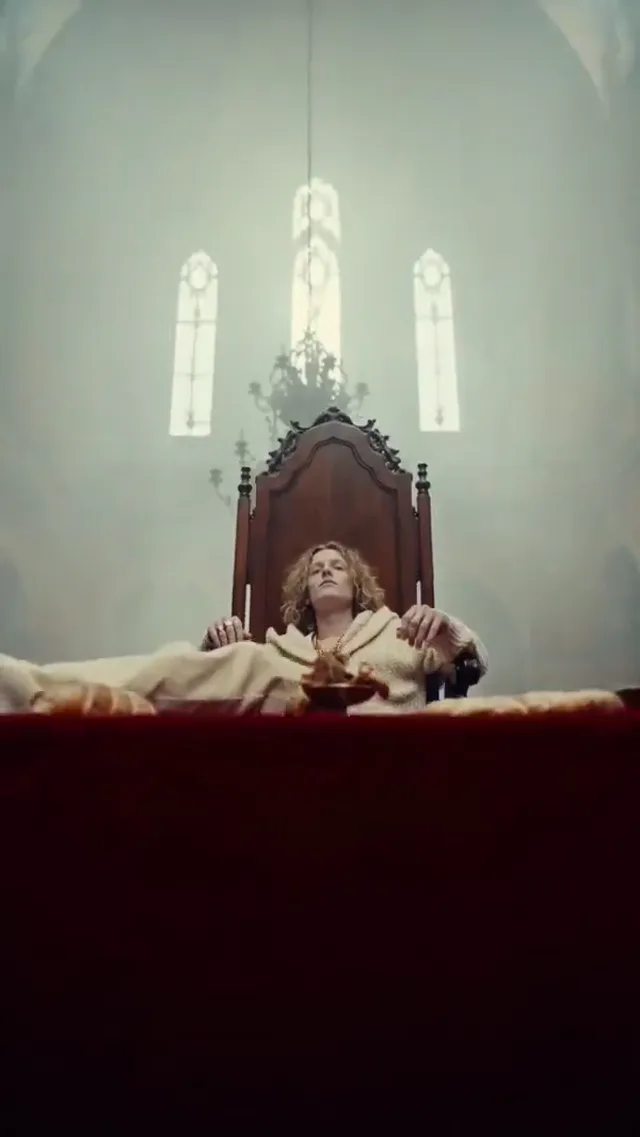
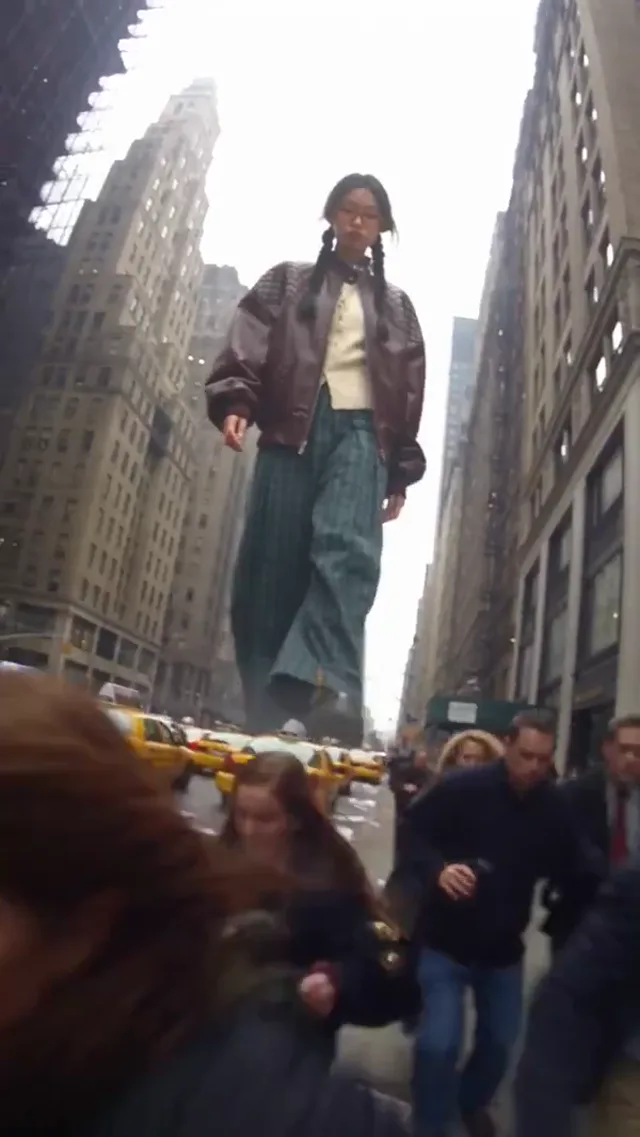
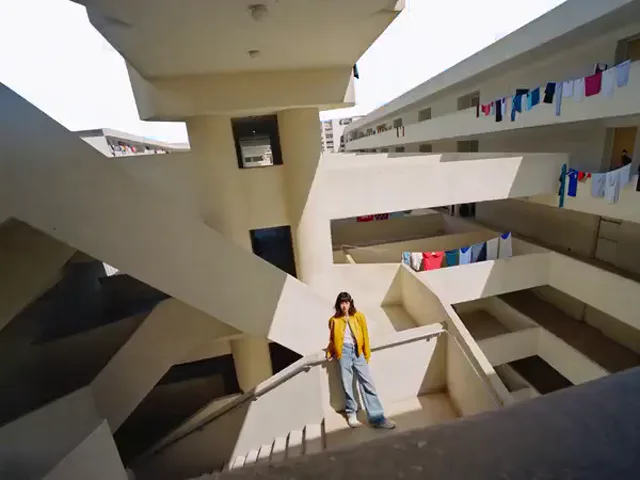
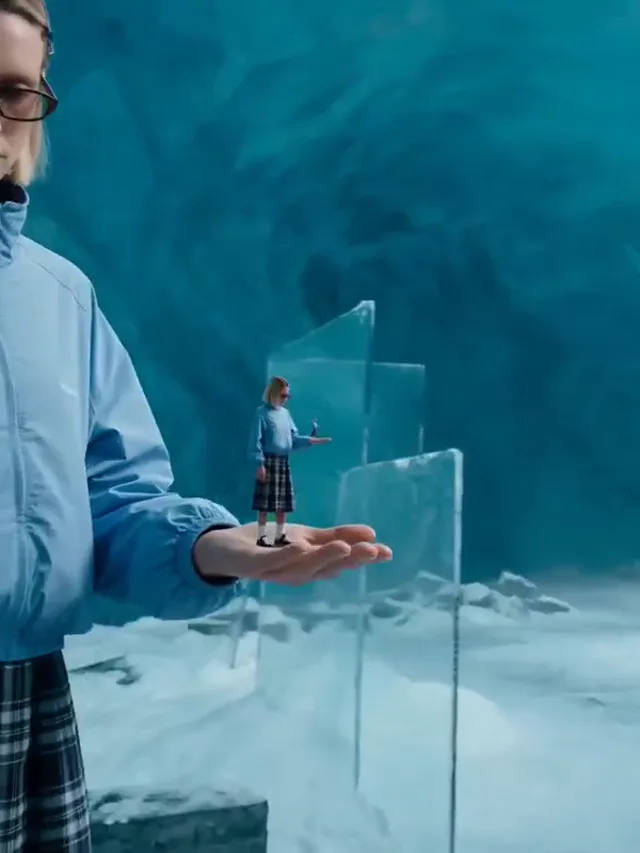
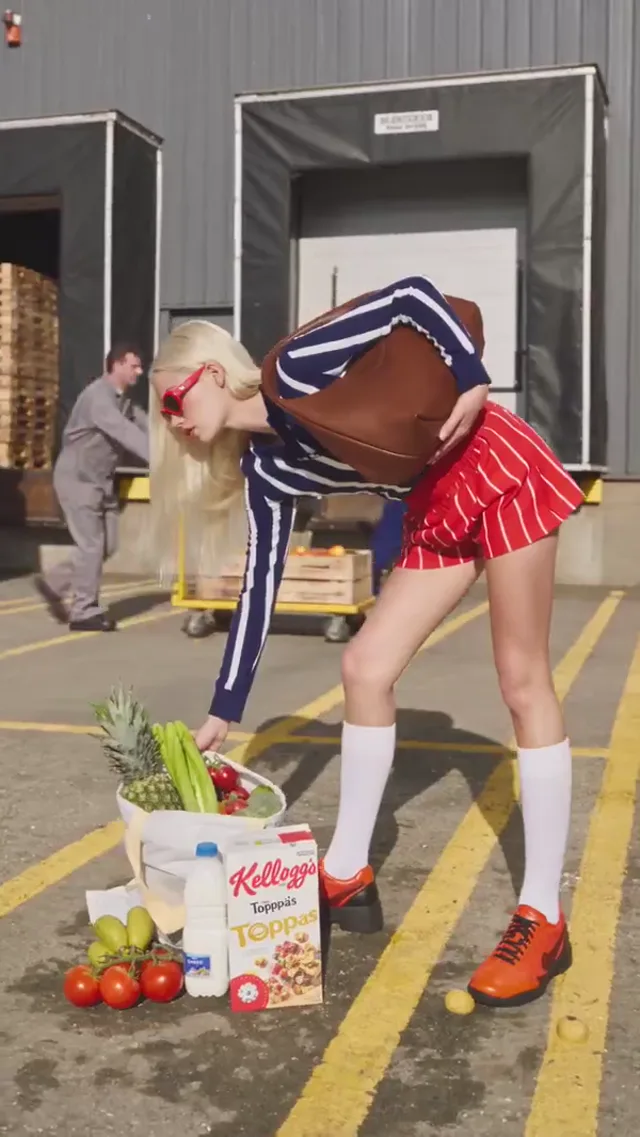
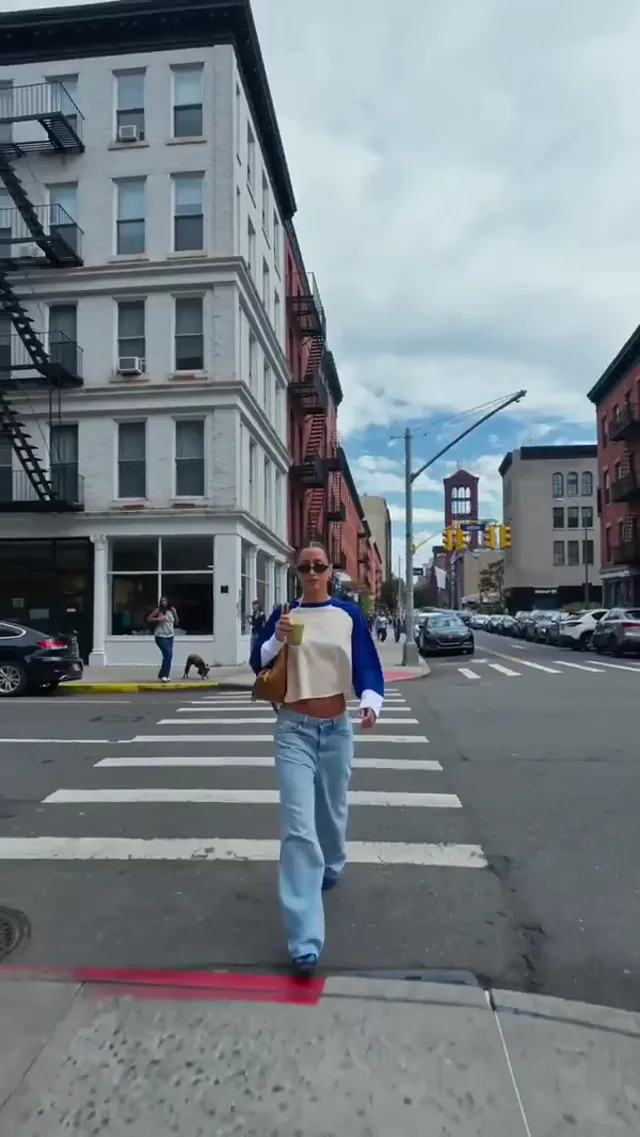
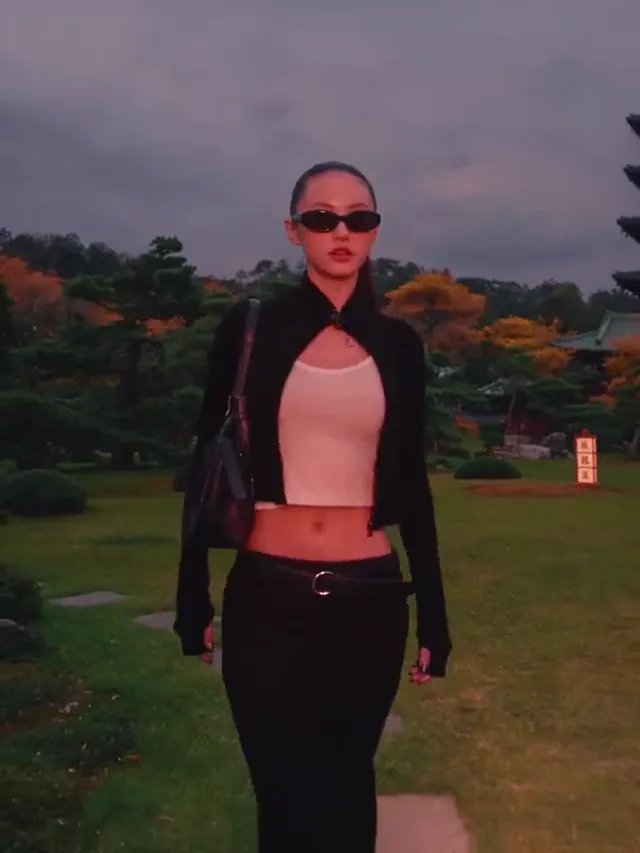
Explore our existing motion examples for framing and atmosphere. These clips are inspiration, not a promise of image results.


Pomelli AI supports image exploration for small shops, content teams, educators, and independent creatives. Choose a real audience and a clear destination before writing your brief. The existing motion previews illustrate visual direction, not verified still-image output.
Compare available Pomelli AI image models by reference support, format, and credit quote. Video choices remain available for motion projects.
Pomelli AI helps turn an open brief into a visual decision. Begin with a clear purpose, compare directions, and keep control of the details that matter to your audience.
Create an ImagePomelli AI responds to a specific visual brief: subject, material, setting, lighting, and composition. Instead of asking for something beautiful, describe a matte bottle on pale stone with soft window light. Pomelli AI gives your next iteration a clearer target; compare the image with the brief rather than judging polish alone.
Start Pomelli AI with an authorized product photo when the selected model supports references. Explain which details must remain and which background may change. A Pomeli AI reference workflow helps communicate intent, but it cannot guarantee exact packaging. Inspect edges, labels, and proportions before treating a variation as a finished asset.
Pomelli AI suits early concepts and visual exploration; stock photography suits familiar subjects with established licensing; a professional shoot gives direct control over the real product and scene. Choose by accuracy, rights, and production needs. Pomeli AI can complement those resources rather than replace every photograph or every designer in your workflow.
Record your palette, camera angle, materials, and background in a reusable Pomelli AI brief. Carry those choices between related images, changing only the campaign subject. Pomeli AI users can follow the same approach for a coordinated series. Consistency comes from careful direction and review, not an assumed automatic brand profile.
Inspect the Pomelli AI model controls, image count, and displayed estimate before submitting a task. Use a focused test to judge composition before choosing a larger output. A Pomeli AI search does not establish a free allowance: account offers and current pricing determine access. Avoid budgeting from another product’s advertised terms.
Use Pomelli AI to explore the image, then check it at the size your audience will see. Look for distorted hands, misleading product details, or unreadable lettering. Finish exact logos and campaign copy in a design editor. Pomeli AI concepts become useful assets through selection, rights checks, and deliberate finishing.
Start small, inspect the quote, and refine what matters.
Review plans and the selected generation quote before starting. Image settings and model choices affect the credit cost.
For solo creators making short AI videos
$117.60 billed annually
Get Started9,600 Credits
Popular
For teams producing AI video every week
$239.40 billed annually
Get Started57,600 Credits
For studios generating AI video at scale
$1,199.40 billed annually
Get Started360,000 Credits
Questions about your plan? Reach us atContact the Team
Practical guidance for making, comparing, and publishing images. Pomeli AI is an alternate spelling, not a separate service.
Open Pomelli AI, describe one image, and explore a direction worth developing.